Command Line Shortcuts
Cheatsheet
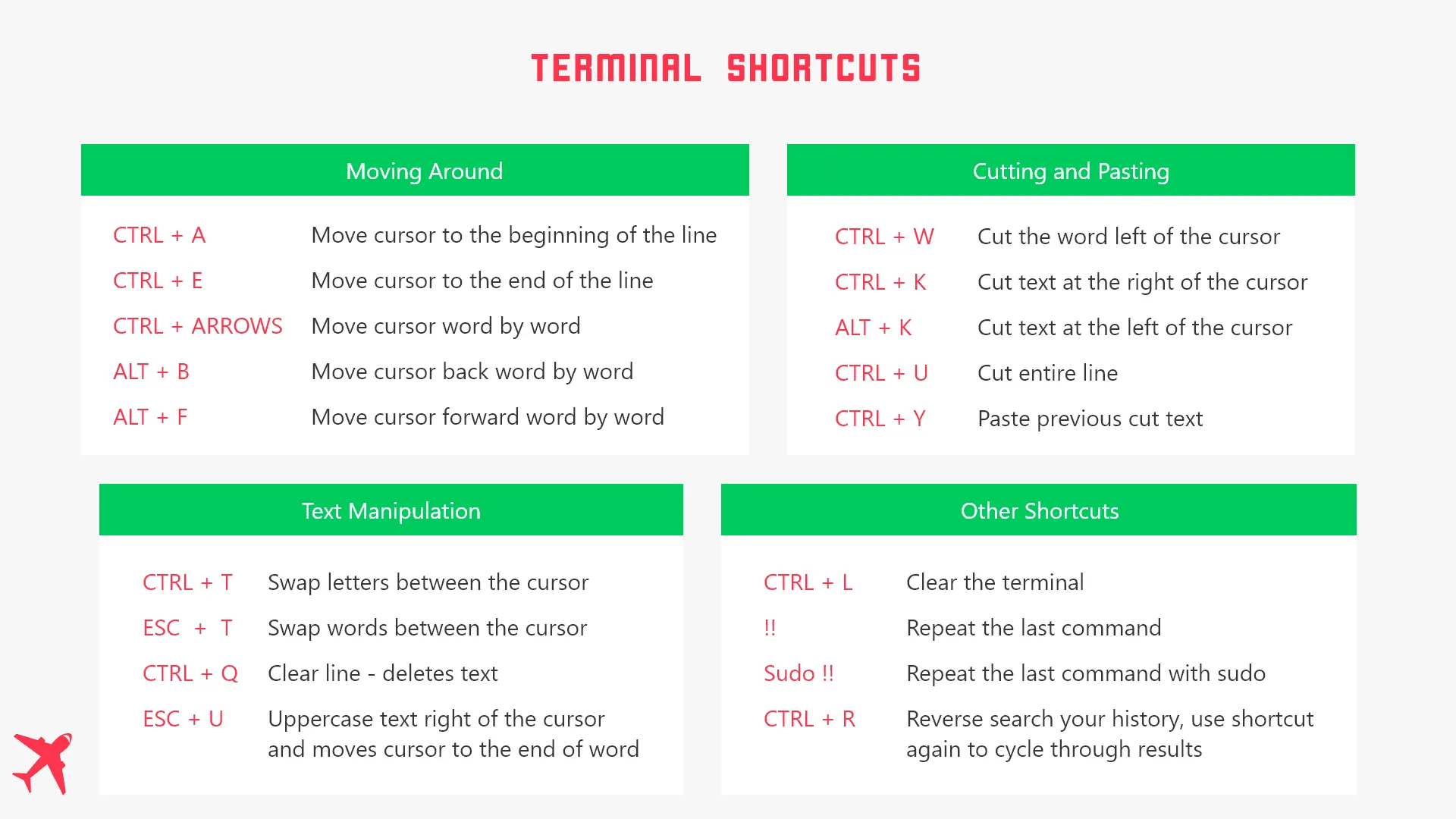
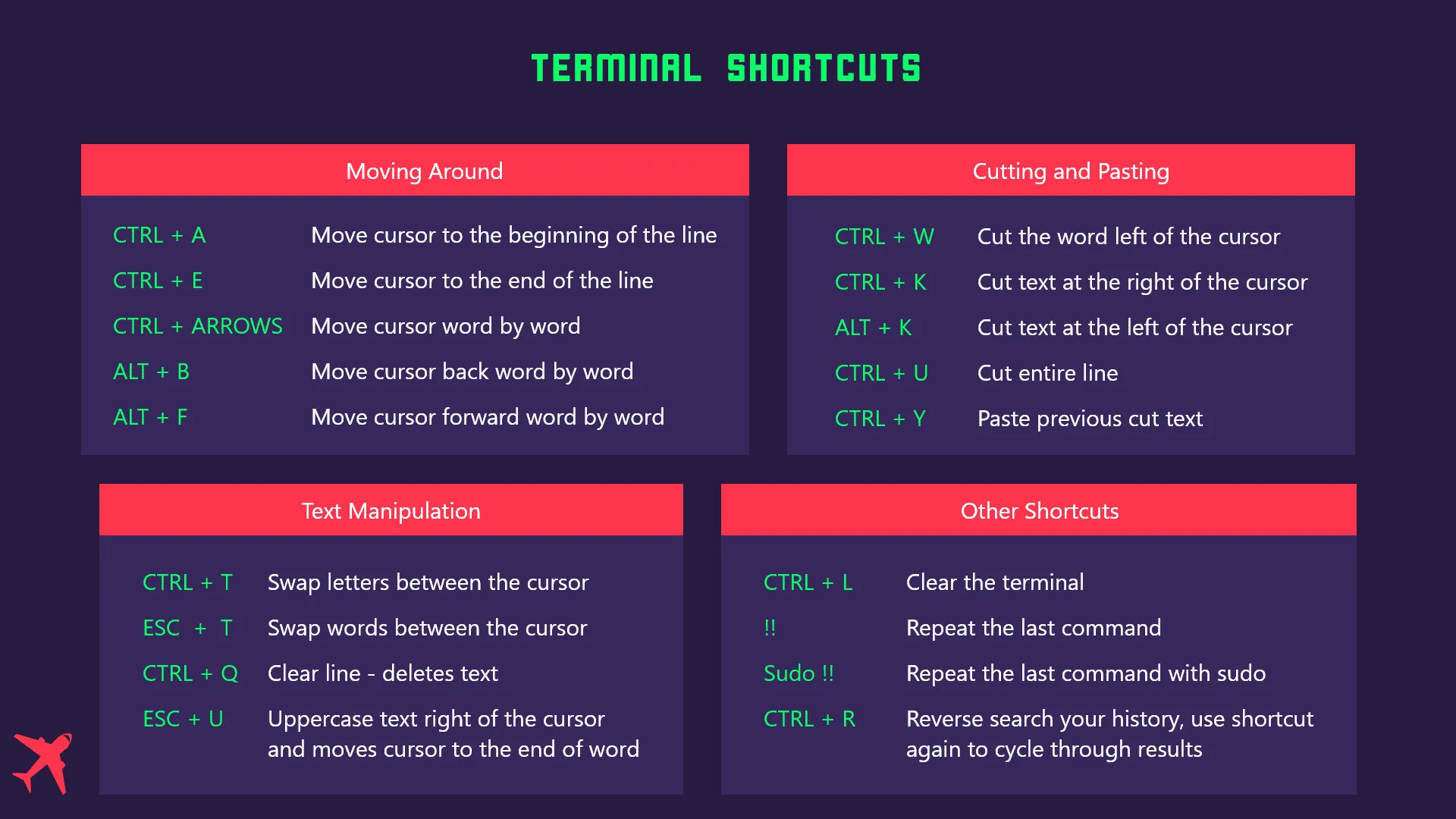
Cheatsheet for command line shortcuts
Table of contents
This was originally posted on my theflyingdev page.
Shortcuts for moving around
Let’s be honest how many times do we write a command, just to notice that around the beginning of the line there is a mistake and we delete everything and type the command again? These shortcuts will help you move the cursor easier without the need to delete the whole thing.
CTRL + A- Moves the cursor to the beginning of the lineCTRL + E- Moves the cursor to the end of the lineCTRL + arrow keys- Moves the cursor from word to wordALT + B- Moves the cursor back from word to wordALT + F- Moves cursors forward from word to word
Cutting and pasting
CTRL + W- Cut the word left of the cursorCTRL + K- Cut the entire text at the right of the cursorCTRL + U- Cut the entire lineCTRL + Y- Paste the previous cut textALT + W- Cut the entire text at the left of the cursor
Text manipulation
CTRL + T- Swap two letters between the cursor- Example:
thisif the cursor is between the h and i it turns intotihs
- Example:
ESC + T- Swap two words between the cursor- Example:
this textwill becometext this
- Example:
ESC + U- Uppercases text right of the cursor - moves cursor to the end of wordCTRL + Q- Deletes text from line - clears line only
Other useful shortcuts
CTRL + L- Clears the terminal -> No need to writeclearall the time!CTRL + R- Reverse search your history for a term- Use
CTRL + Ragain to cycle through results
- Use
!!Repeat the last command used in the terminal- Use
sudo !!to repeat the last command withsudo
Get the cheatsheet