
Update npm dependencies
NPM
How to check for outdated dependencies and how to update them
Table of contents
Today I had to work on project that was 1 year old and a lot of the dependencies where outdated.
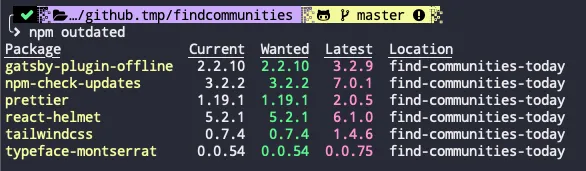
We can run the command npm outdated to get a list of all the dependencies that have new releases.
We then need a way to update them all, that’s when another package called npm-check-updates comes in handy. This package will upgrade the package.json versions of all outdated dependences.
npm install -g npm-check-updatesNote: You should install this package globally so you can use on other projects.
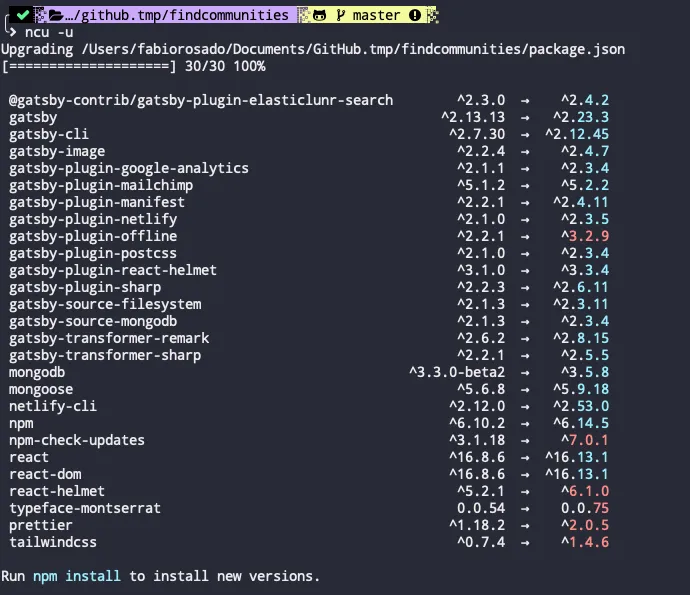
After installing the package you need to run ncu -u on your terminal to upgrade your package.json.
Finally you can run the command npm update to update your dependencies.